Stop looking up
every column.
Use schema-aware completion and relationship-based JOIN suggestions to find the names you need as you type.
See completion in action ↗THE SQL TOOLKIT THAT WORKS WITH YOU
Write, review and reuse SQL with completion, formatting, analysis and history — in SSMS or your browser.
Free and open source under the MIT license.
SQL Server in SSMS & browser · PostgreSQL in browser
 View larger
View larger
View larger
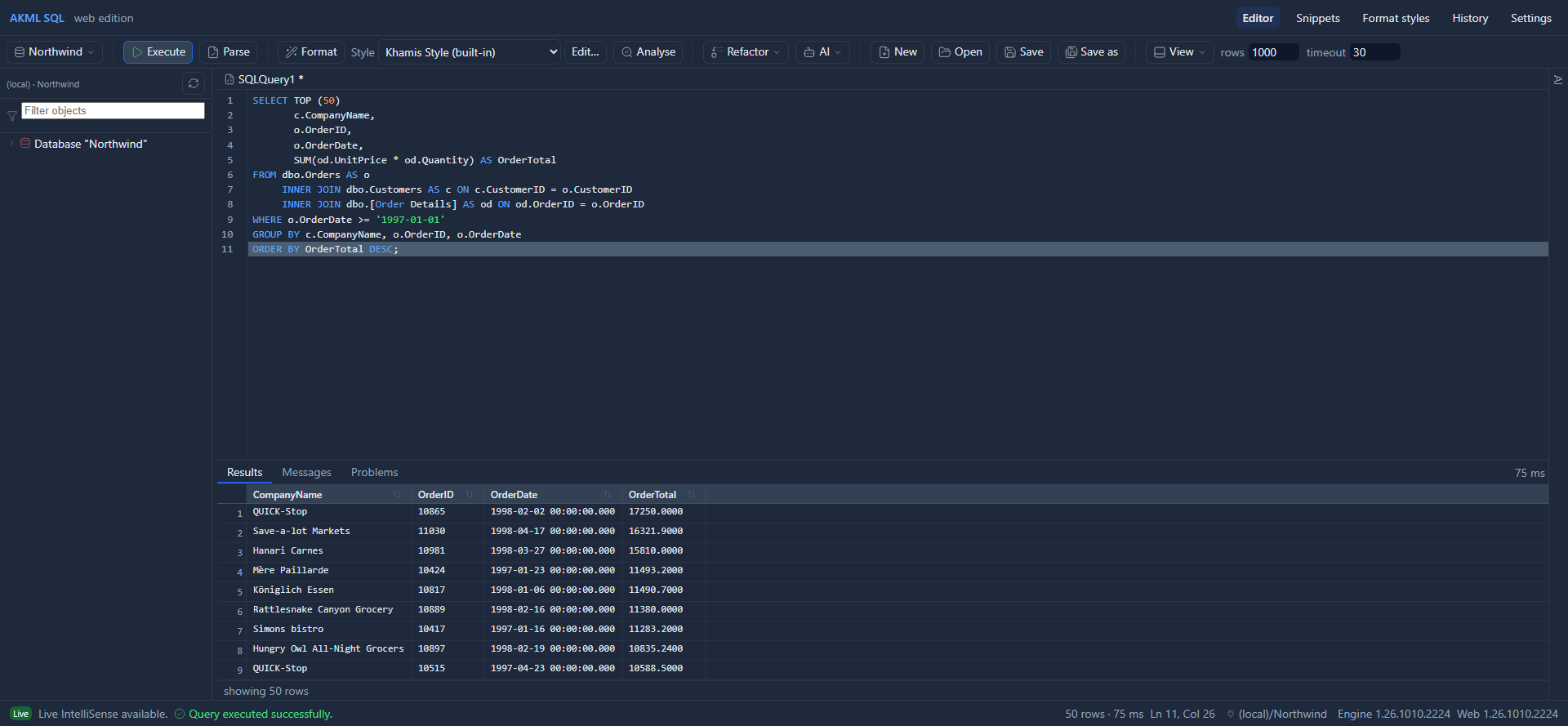
Your query, your schema and your results.
One focused workspace.
WHY USE AKML?
From the first JOIN to the query you need again next week, keep the useful tools close to your code.
Use schema-aware completion and relationship-based JOIN suggestions to find the names you need as you type.
See completion in action ↗Apply a consistent format, then review analysis findings for potential problems before running your query.
Explore formatting & analysis ↗Search SQL history and reuse snippets instead of rebuilding the same query from memory.
Explore your workflow ↗YOUR DATABASE. YOUR WORKFLOW.
Choose the experience that fits your database. Each language has its own completion, formatting and analysis support.
SSMS 22 + BROWSER
Stay in SSMS or use the AKML browser workspace. Get help writing T-SQL, explore your schema and work with query results.
 PostgreSQL
BROWSER + AKML ENGINE
A familiar workspace for PostgreSQL queries, schema browsing and results, with language-specific help from the AKML engine.
PostgreSQL requires an AKML engine with PostgreSQL enabled. It is available in the browser edition; the SSMS extension targets SQL Server. Feature availability differs by database.
LOOK INSIDE AKML
Explore actual AKML screens. Select a workflow, then open the image for a closer look.
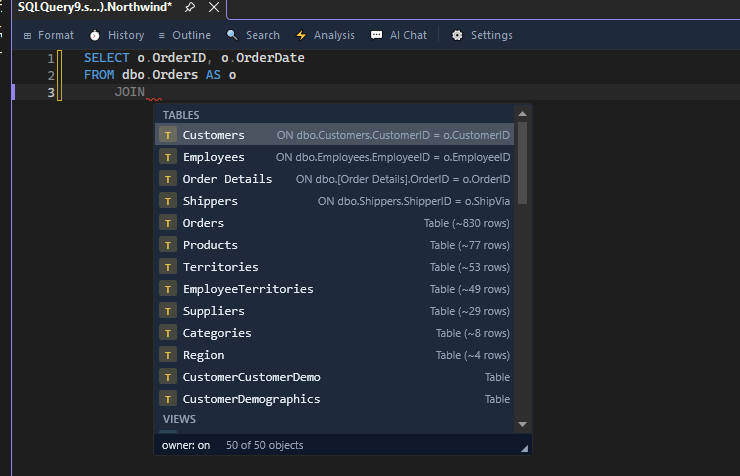
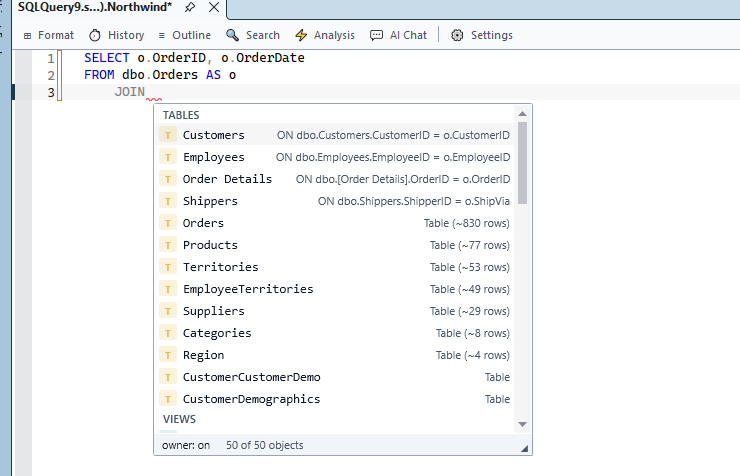
Find related tables and JOIN conditions.
 View larger
 View larger
Adjust formatting with a live SQL preview.
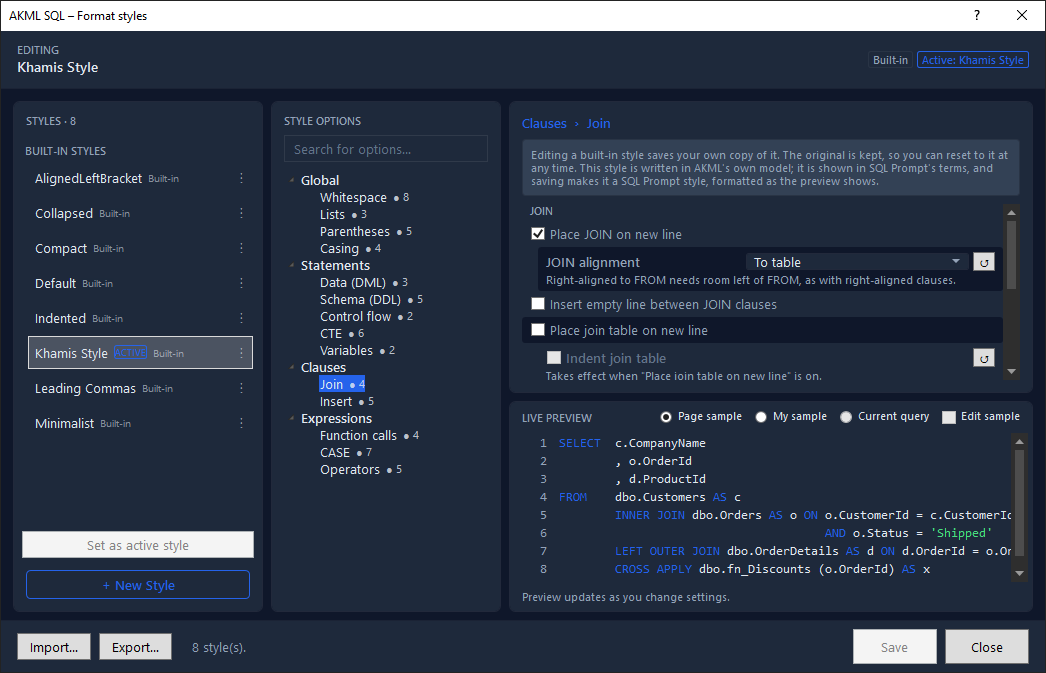 View larger
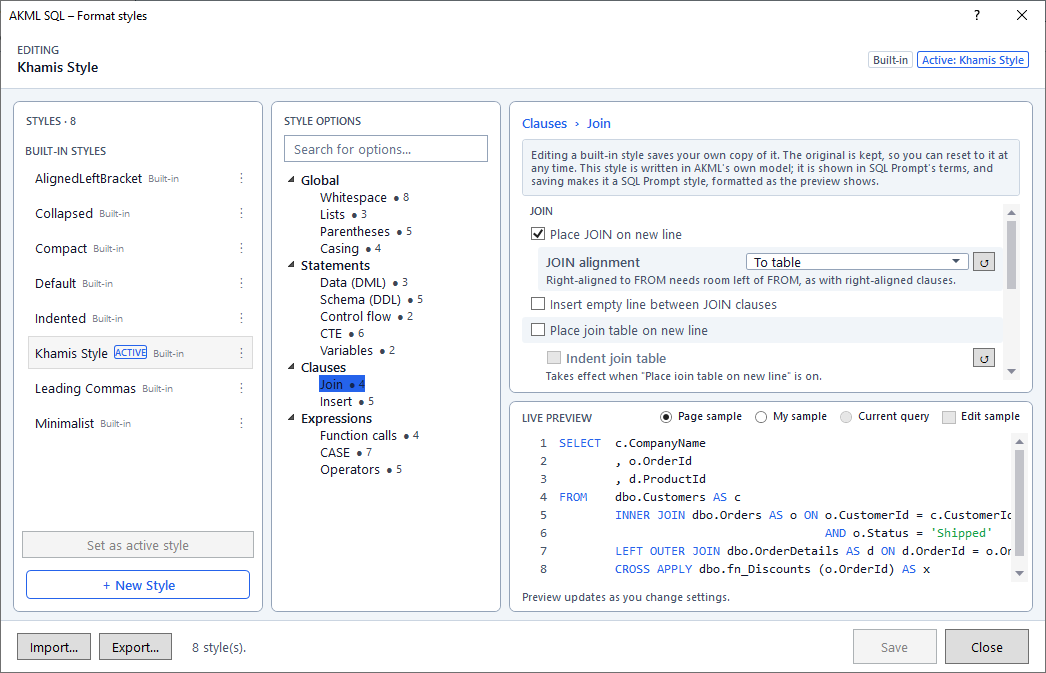 View larger
Search previous queries and inspect versions.
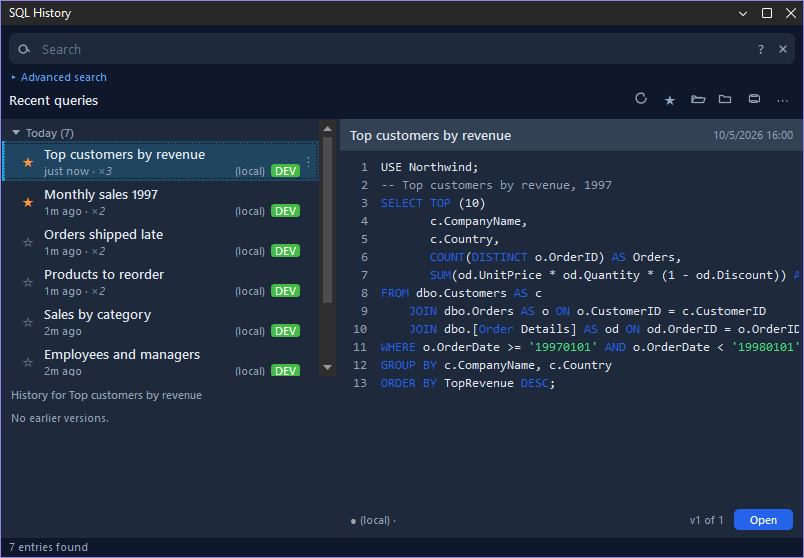 View larger
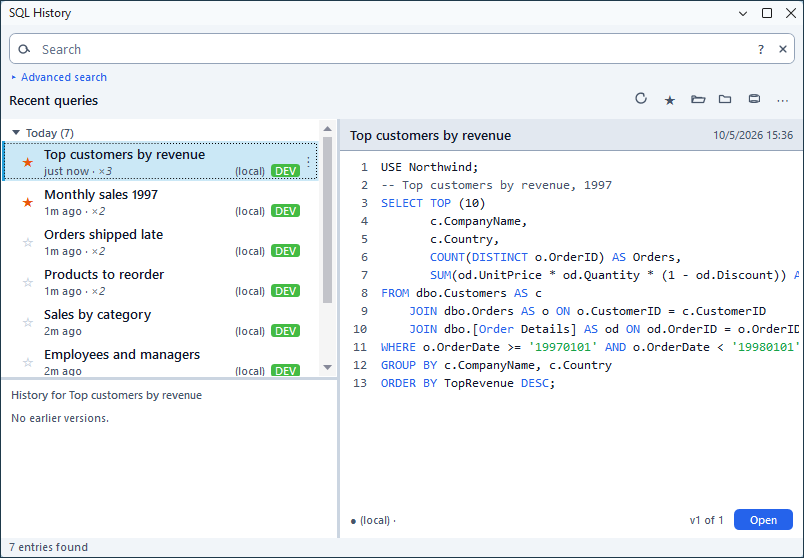 View larger
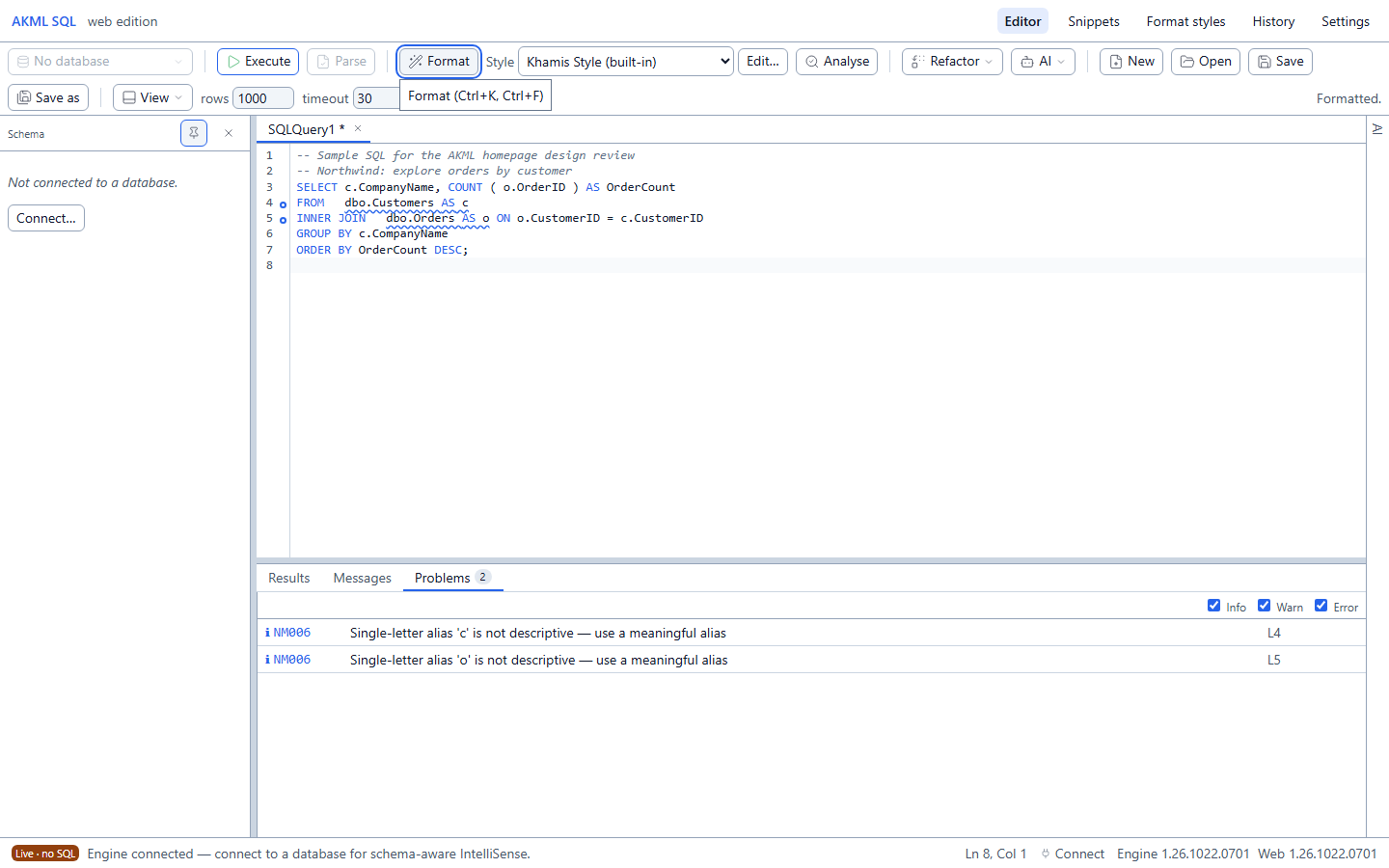
An illustrative SQL query with analysis findings.
 View larger
View larger
View larger
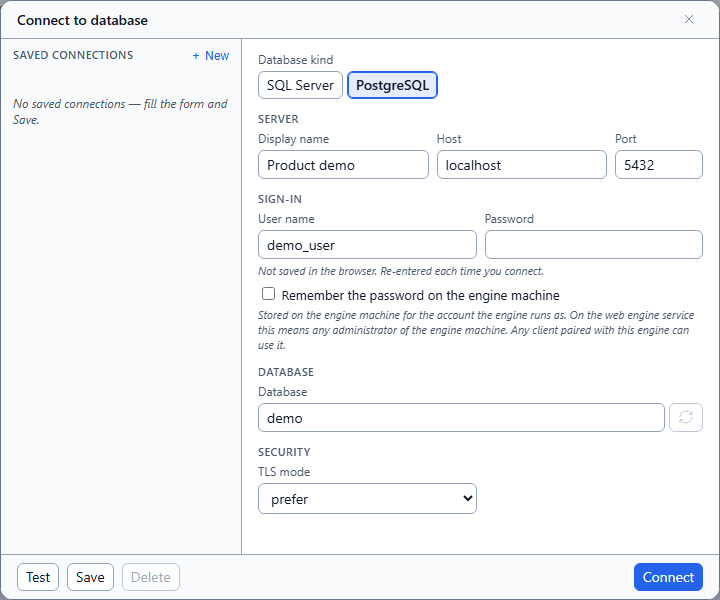
A real connection screen with demo values.
 View larger
View larger
View larger
OPTIONAL AI ASSISTANCE
Ask for an explanation, discuss a query or get help investigating an error. Configure a provider when you want AI in your workflow.
Provider setup and charges may apply. Review the context shared with your selected provider.
Read the AI setup and privacy guidance ↗GET STARTED
AKML is free and open source. Start with the setup that matches the way you write SQL.
Install AKML for SQL Server Management Studio and keep working in your existing editor.
Download for Windows ↗Use the browser edition for SQL Server or PostgreSQL. A connected AKML engine handles database access.
Read the setup guide ↗A FEW USEFUL ANSWERS
AKML is MIT-licensed and free to use. Your chosen AI provider may charge separately for its service.
AKML's PostgreSQL workflow is in the browser edition with a compatible connected engine. The SSMS 22 extension is for SQL Server.
Database connections and query execution require the engine. PostgreSQL language services also require it. SQL Server formatting and analysis can run locally in the browser.
No. Completion, formatting, analysis and SQL history provide useful workflows without configuring an AI provider.