Features
Useful help for the SQL you write every day
Write with schema-aware suggestions, review consistent formatting and analysis findings, and return to queries through SQL history. Use SQL Server in SSMS 22 or the browser, and PostgreSQL in the browser with a compatible AKML engine.
The screenshots below show the SSMS 22 experience. PostgreSQL has its own completion, formatting and analysis; SQL Server-only refactoring tools are not available there. Explore the browser setup.
IntelliSense
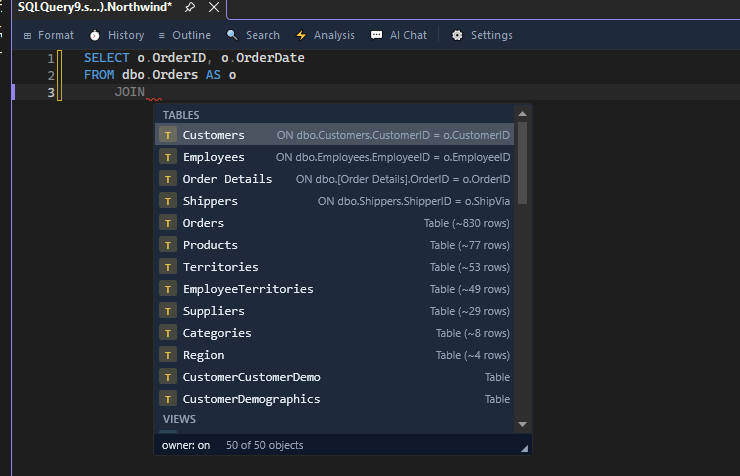
Find the right JOIN as you type
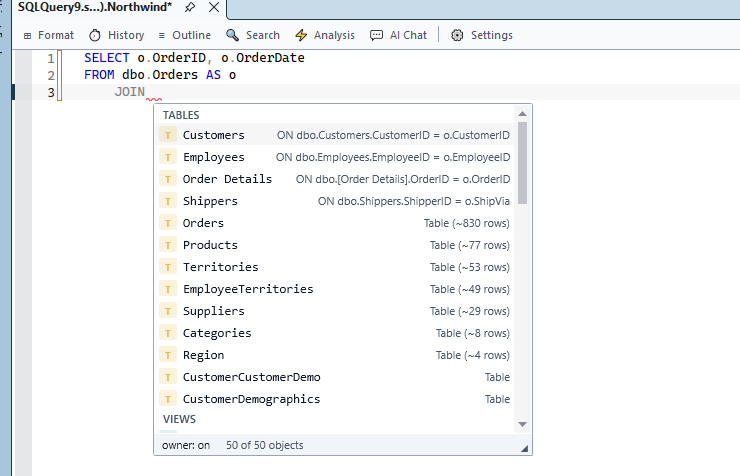
Suggestions use your database relationships to bring related tables and their ON conditions to the top. See the table, its schema and the join condition before you accept it, right inside the SSMS query editor.
 View larger
 View larger
Column selection
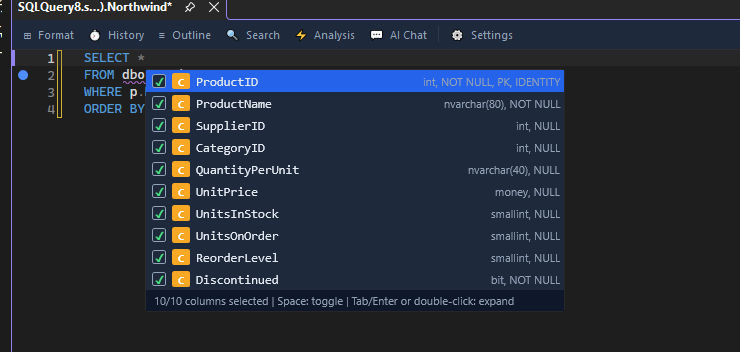
Turn SELECT * into the columns you need
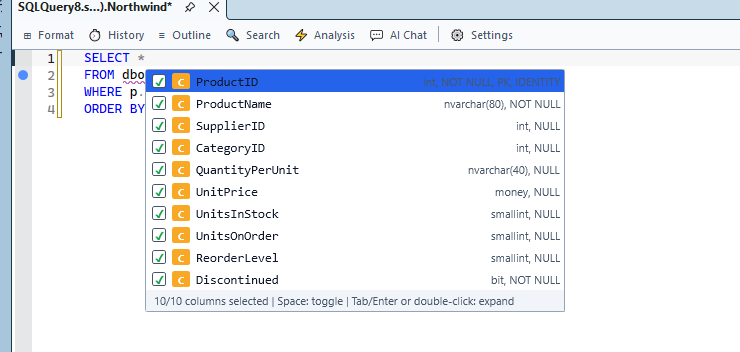
Expand a wildcard into an explicit column list. The picker shows data types, nullability and key information, with checkboxes so you can choose exactly which columns to insert.
 View larger
 View larger
Format styles
Shape your SQL, see every change
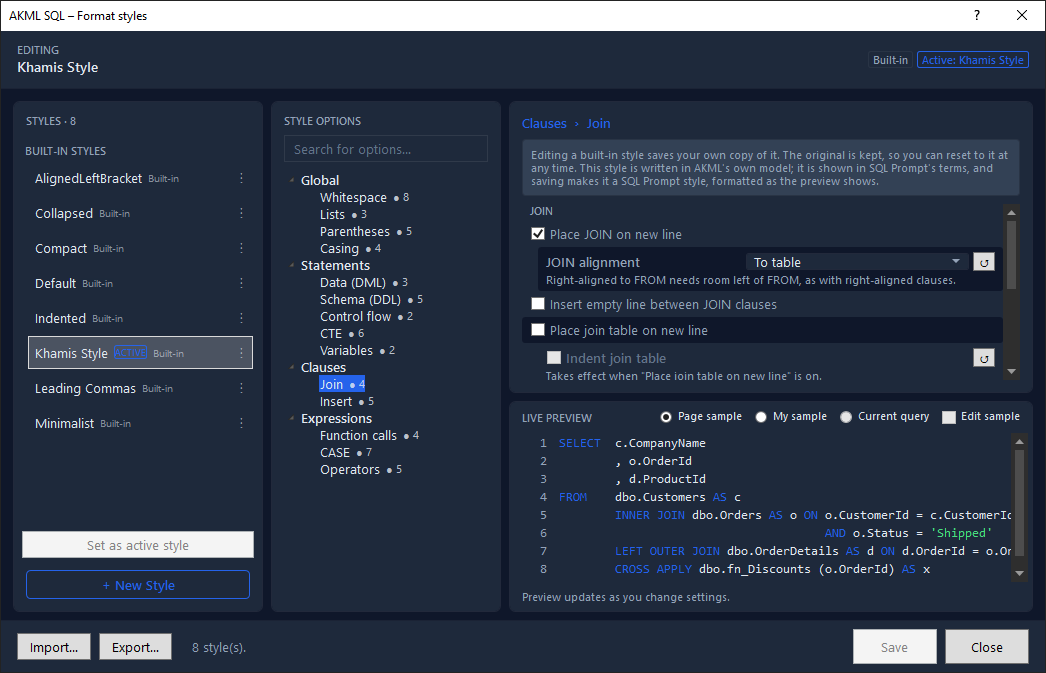
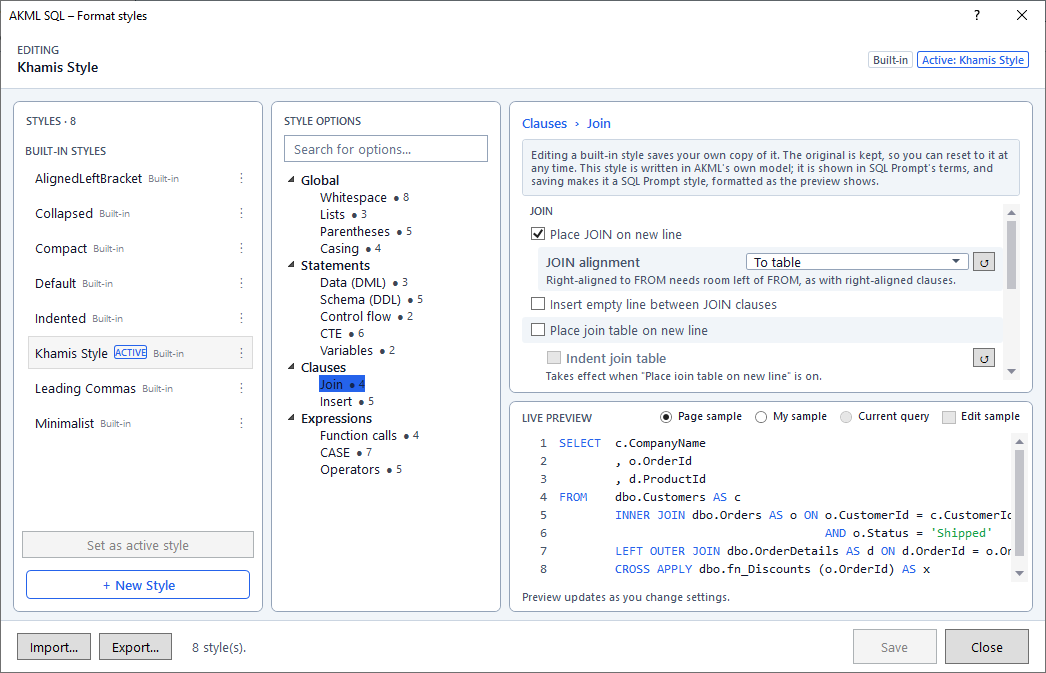
Choose a style, search its options and fine-tune whitespace, casing, lists and JOIN layout. A live SQL preview shows the effect of your changes. Import and export SQL Prompt styles to keep your team's formatting familiar.
 View larger
 View larger
SQL History
Get back to the query that worked
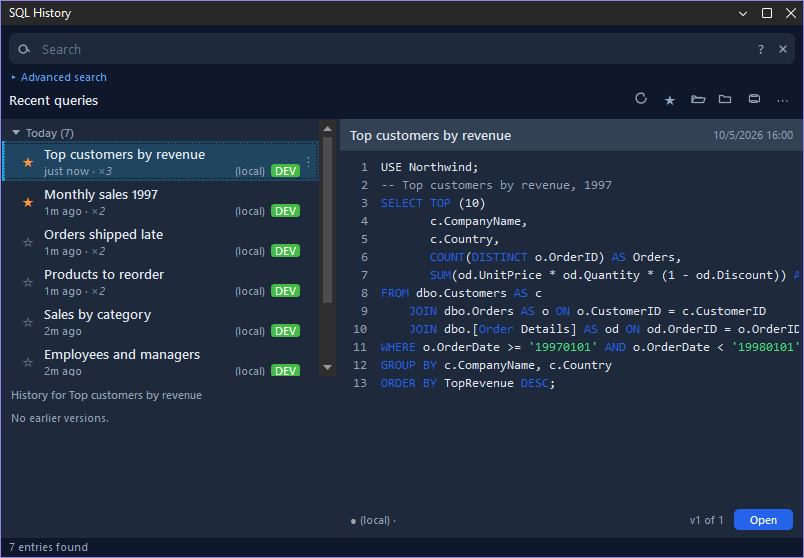
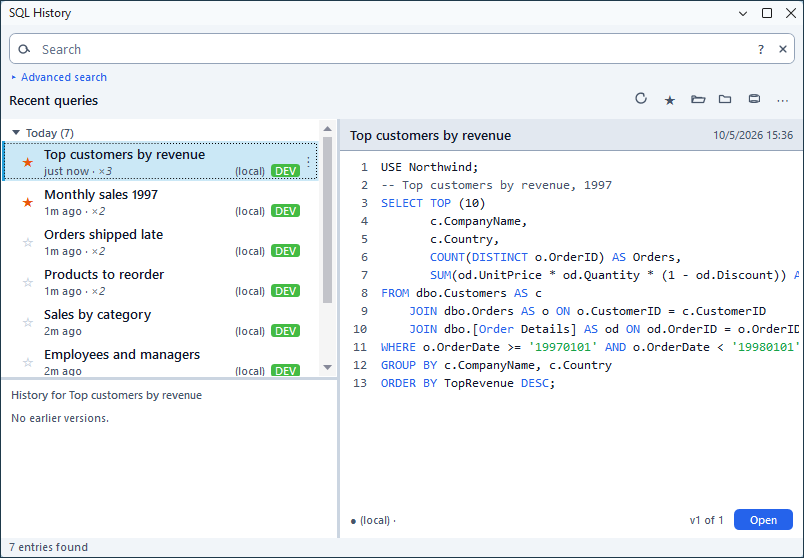
Search earlier queries, star the ones you use often and browse them by date. Repeated runs stay grouped together, with a SQL preview and saved versions ready to reopen in your editor.
 View larger
 View larger
Options
Make the editor work your way
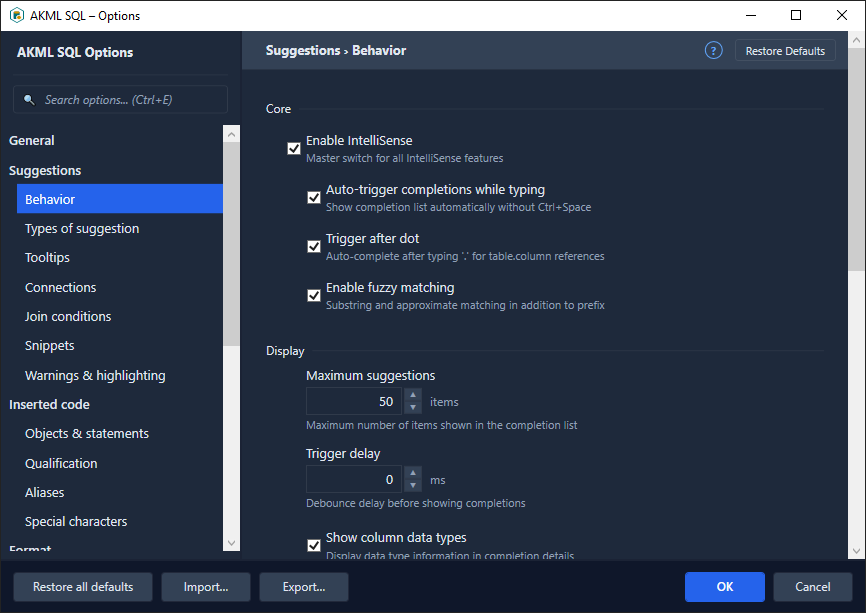
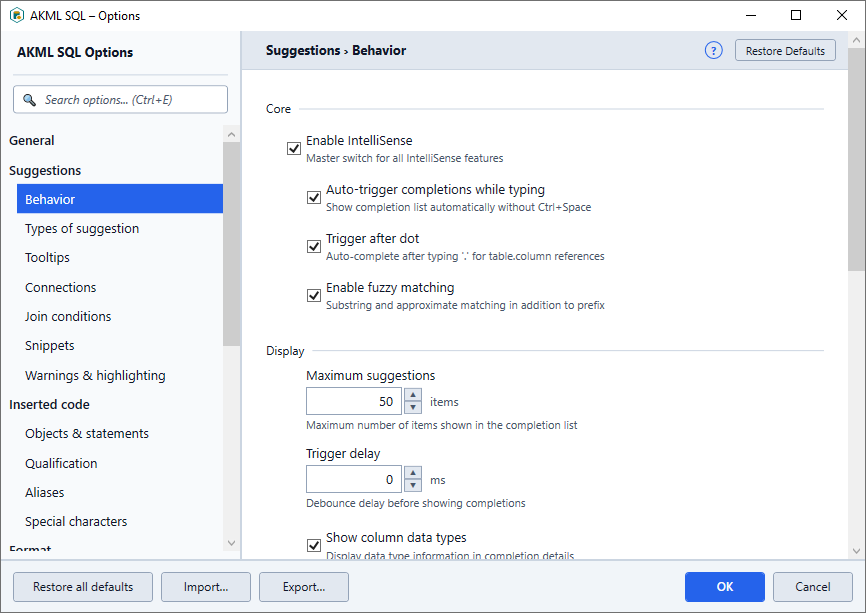
Search settings or browse familiar categories for suggestions, inserted code, formatting and query tools. Set completion behavior, suggestion limits and trigger delay, with descriptions beside the controls.
 View larger
 View larger
Command palette
Find an action without hunting through menus
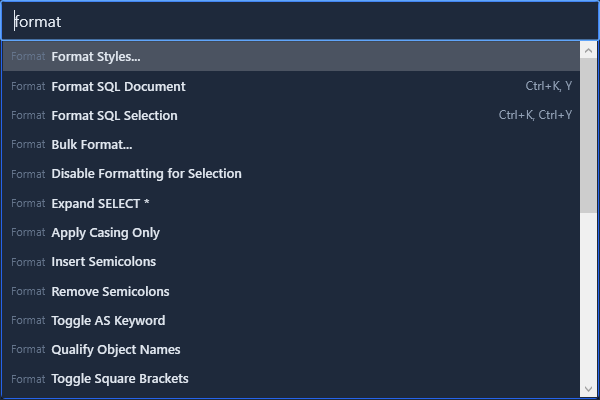
Type what you want to do and jump straight to it. Find formatting commands, style editing and SQL transformations in one searchable list, with keyboard shortcuts shown alongside the actions.
 View larger
 View larger
Execution warnings
A moment to check before a risky query
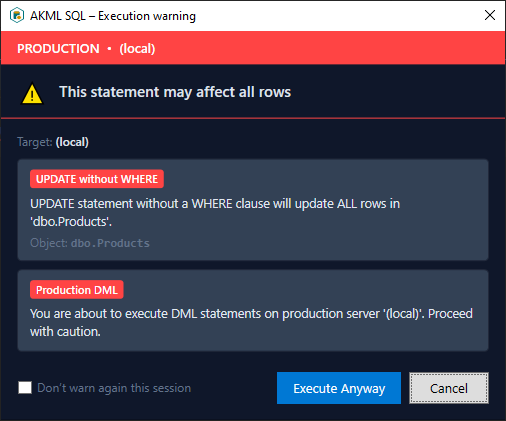
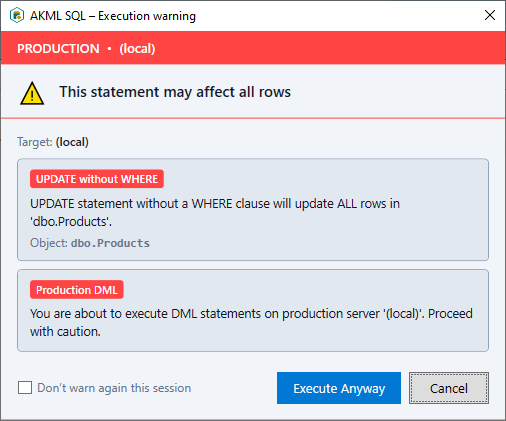
See a warning when a statement could change every row or when you are about to modify a production database. The prompt names the target and explains the risk before you decide whether to continue.
 View larger
 View larger
Deep dive
The full capability set
-
IntelliSense
Suggestions for columns, aliases, objects, keywords, JOINs (with foreign-key ON conditions), variables, parameters, snippets, databases, and GROUP BY lists, plus Quick Info and signature help — with fuzzy matching, dot-trigger, and schema-aware ranking. The SQL Prompt-style popup shows type-coded icon badges and turns semi-transparent while you hold Ctrl to peek at the code behind it.
-
Code formatting
A 7-stage pipeline (parse → annotate → layout → casing → emit → validate → idempotency) behind Format Document, Format Selection, Bulk Format, and Unformat. Share styles as
.akmlstyleprofiles, and round-trip SQL Prompt.sqlpromptstylev2XML — import and export — so existing team styles carry over unchanged. -
Static analysis
More than 130 rules across 8 categories — Performance, Best Practices, Security, Style, Design, Deprecated, Execution, and Naming — with inline suppressions, per-project
.casettings, and native SSMS Error List integration. -
Refactoring
Smart Rename, Script as ALTER, Inline EXEC, Inline Stored Procedure, Convert INSERT to UPDATE, and Find Invalid Objects, plus light-bulb fixes — expand wildcards, qualify object names, turn sp_executesql into static SQL, surround with BEGIN/END — that reshape SQL in a single action.
-
Snippets
Personal, team, and built-in snippet folders with context-aware filtering, so the right snippet surfaces where it applies. A surround-with chord wraps a selection in blocks like transactions or try/catch.
-
SQL History
A full, crash-safe history of every executed query in a three-panel UI — queries, versions, and a syntax-highlighted preview — with full-text search and star, open, and closed filters.
-
AI assistance
Explain, Fix, Chat, and Ghost Text inline autocomplete in SSMS, plus Text-to-SQL, Optimize, and Index Analysis in the web edition — all schema-aware, so suggestions are grounded in the database you are actually working against.